If the print manager computer is having problems, or if the screen does not appear similar to this:
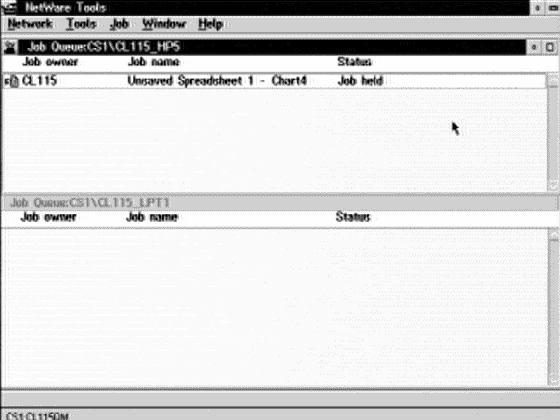
then press the reset button on the front of the system on the left hand side to reboot the system. This will take a few minutes. If the system continues to have problems after rebooting, please send email to trouble@cs.uregina.ca specifying the problem, the room number, and the system's TSN number (black plastic tag on side). Please also mention that you have already tried rebooting to clear the problem.